
Hidden Costs Nobody Tells You About Until It’s Too Late
You think you’re being smart.
You found the cheaper option.
You skipped the premium version.
You told yourself: “It does the same job.”
Then the bills start.
Not today.
Not next month.
But quietly — over time.
This is how millions of people end up paying 2x, 3x, even 5x more for products that look like bargains.
Because some products are designed to be:
• cheap to buy
• expensive to own
• painful to repair
• impossible to fix properly
By the time you realise, you’re already trapped.
These are the everyday products that look affordable — but turn into money pits.
If you own any of these (or are about to buy them), read this first.
Why Cheap Products Become Expensive Later
The price tag lies.
Modern “budget” products don’t save money the old way.
They save money by cutting repairability, durability, and service access.
Here’s how manufacturers make things look cheap upfront — but expensive later:
• Sealed designs that can’t be opened properly
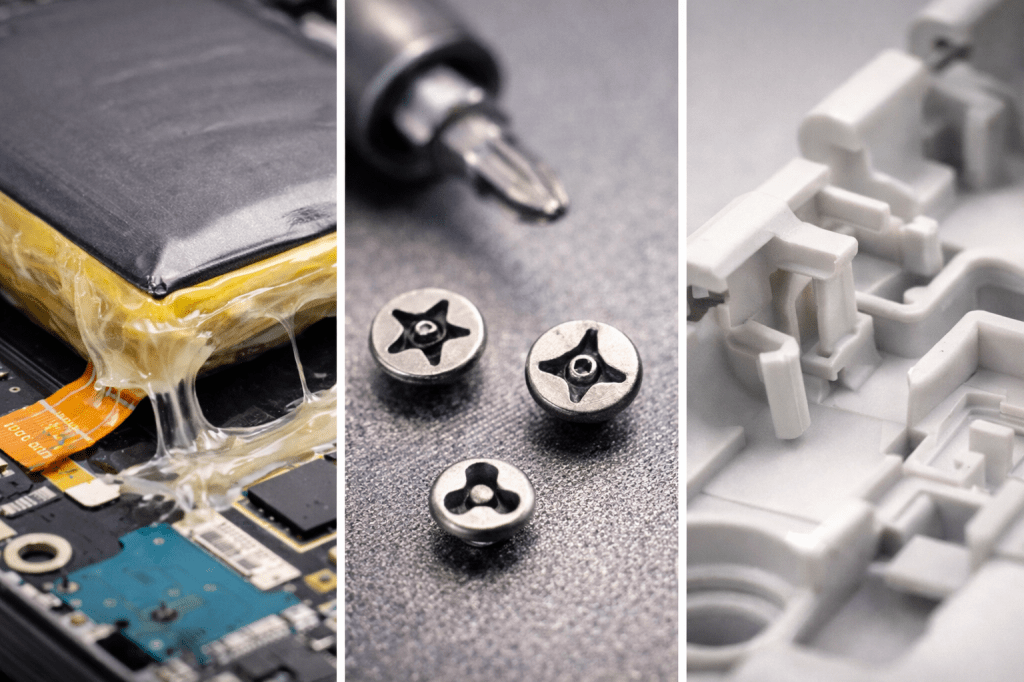
• Glued batteries instead of replaceable ones
• Proprietary parts only they sell
• Subscription features for basic functions
• Plastic components where metal used to be
• Thin internal wiring and weak connectors
• Software locks that block third-party repairs

This shifts the real cost from the shop to your future.
You don’t pay it today.
You pay it later — when you’re stressed, out of warranty, and out of options.
How the Costs Snowball
It rarely starts with a big failure.
It starts with something small:
• Battery life drops
• A motor gets noisy
• A sensor throws a warning
• A hinge loosens
• A screen flickers
• A connector becomes unreliable
Then comes the snowball:
One failed part → stresses another
One repair → reveals a second issue
One replacement → causes calibration problems
One update → breaks compatibility
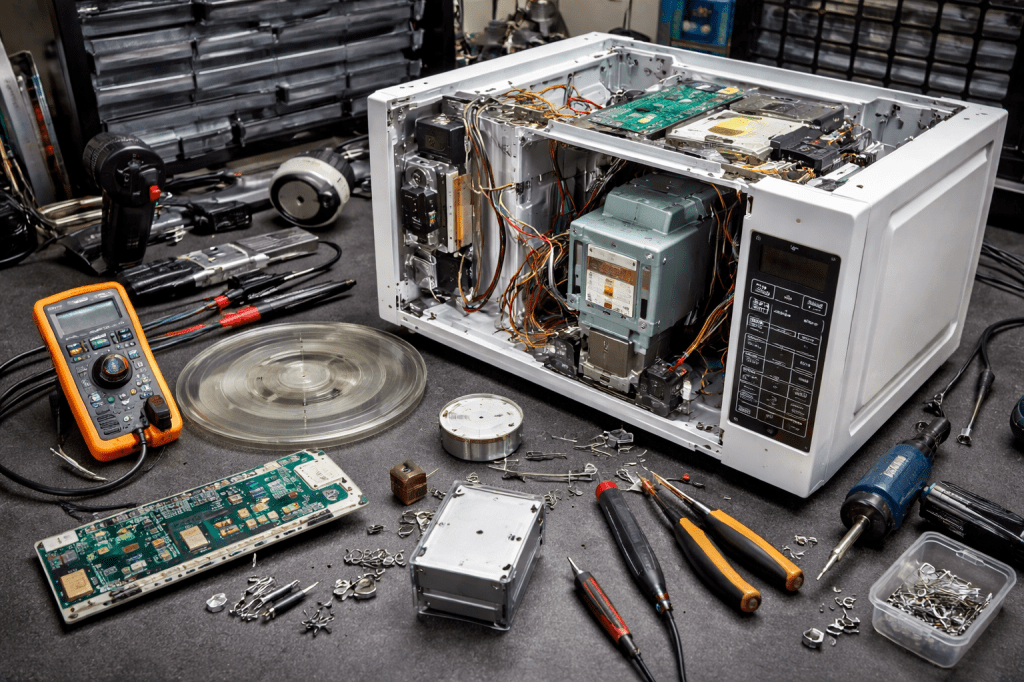
Suddenly a £20 problem becomes a £250 repair.
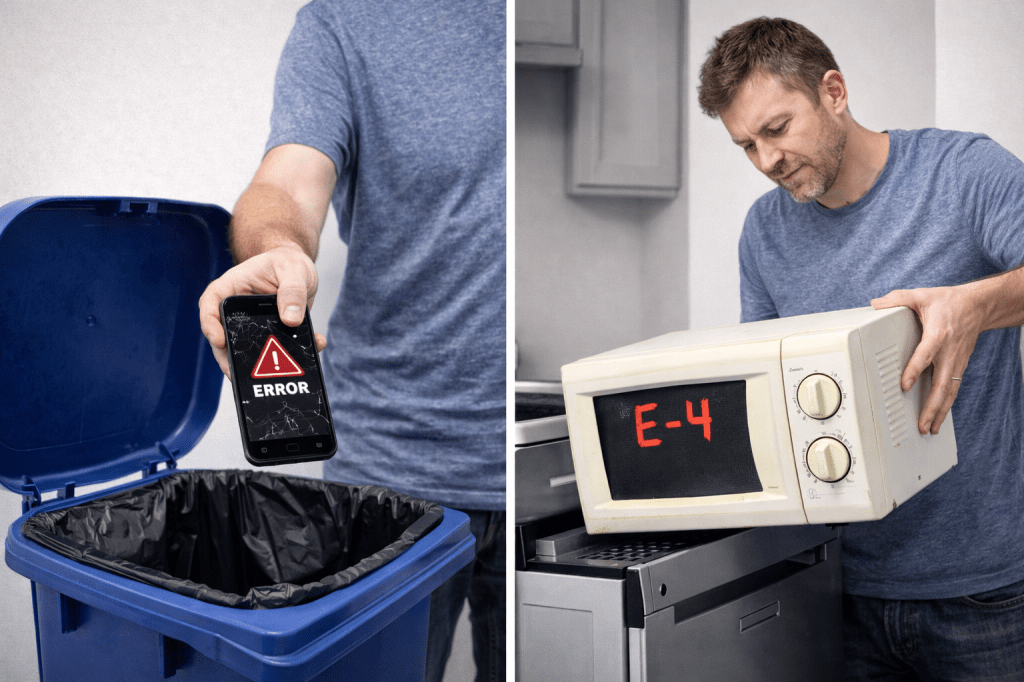
Then a £250 repair becomes “not worth fixing.”
That’s how “cheap” turns into “replace the whole thing.”
What Happens After Warranty (The Real Ownership Phase)
After 3 Years
This is when budget design starts to show:
• Batteries degrade
• Cheap bearings get noisy
• Touchscreens become unreliable
• Plastic parts crack
• Sensors start throwing errors
Repairs are often just expensive enough to make you hesitate.
After 5 Years
This is the danger zone:
• Parts become harder to source
• Software support slows
• Official service prices rise
• Third-party repairs become risky
• Multiple small failures appear
You’re now paying to keep something alive — not improve it.
After 7+ Years
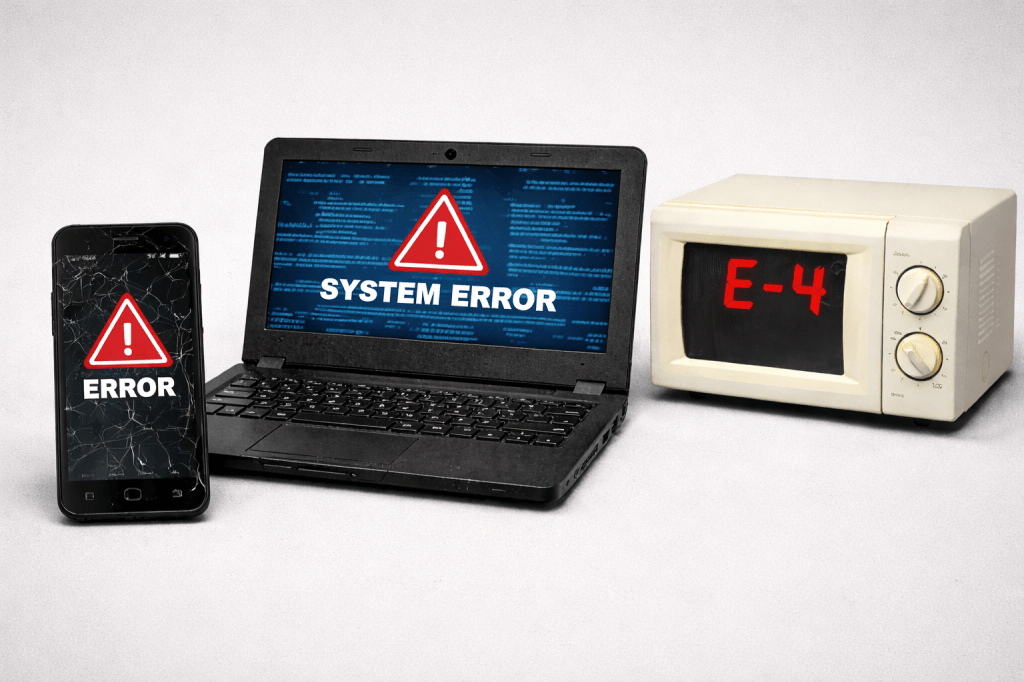
This is where cheap products die:
• Parts discontinued
• Software no longer supported
• Repair costs exceed value
• Compatibility issues
• Forced replacement
This is not accidental.
It’s the business model.
The Biggest “Looks Cheap” Money Traps
These are some of the most common categories where buyers get burned.
1. Budget Laptops
Cheap laptop = short lifespan.
Hidden costs:
• Soldered RAM (can’t upgrade)
• Glued batteries (expensive to replace)
• Weak hinges
• Fragile charging ports
• Limited cooling (kills components faster)
A £399 laptop often becomes a £399-every-3-years laptop.
2. Cheap Robot Vacuums
Looks futuristic. Feels smart. Becomes expensive.
Hidden costs:
• Proprietary batteries
• Disposable brush assemblies
• Subscription app features
• Sensor failures
• Limited spare parts
The vacuum is cheap.
The maintenance isn’t.
3. Budget Washing Machines & Dishwashers
Low price. High regret.
Hidden costs:
• Plastic drums and pumps
• Cheap door seals
• Fragile control boards
• Non-serviceable bearings
• Water sensor failures
One control board can cost half the price of the machine.
4. Cheap Power Tools
They work — until they don’t.
Hidden costs:
• Weak motors
• Cheap brushes
• Poor cooling
• Battery ecosystem lock-in
• No spare parts support
You don’t buy one tool.
You buy into a failure cycle.
5. Budget Smartphones
The classic trap.
Hidden costs:
• Glued batteries
• Fragile screens
• No long-term updates
• Proprietary charging ports
• Poor water sealing
The phone is cheap.
The repair is not.

Common Warning Signs You’re Buying a Future Money Pit
If you see these, assume higher ownership costs later:
• Battery not user-replaceable
• No visible screws (all glued)
• No official spare parts listed
• Subscription required for basic features
• No repair manuals available
• Ultra-thin plastic housings
• One-year warranty only
• “Non-serviceable” components
• Entire assemblies replaced instead of parts
These aren’t design choices.
They’re profit strategies.
What It Usually Costs (Realistic Ranges)
This is what people actually end up paying.
Minor Issues
• Battery replacement: £60–£150
• Small motor or pump: £80–£200
• Power supply or adapter: £40–£120
• Sensors or small boards: £70–£180
Common Failures
• Control board replacement: £150–£350
• Screen replacement: £120–£300
• Battery + labour: £120–£250
• Motor assemblies: £180–£400
Major Failures
• Main board replacement: £250–£600
• Full module replacements: £300–£800
• Proprietary part failures: “replace the unit”
This is where people give up — and buy again.
That’s how cheap becomes expensive.

How to Avoid or Reduce the Damage
You don’t need to buy premium everything.
But you do need to buy smarter.
Look for:
• Replaceable batteries
• Standard fasteners (not glue)
• Available spare parts
• Repair guides online
• Longer warranties
• Modular designs
• Brands known for service support
Avoid:
• Sealed designs
• Subscription-locked features
• Ultra-thin construction
• No-name battery ecosystems
• Devices that replace entire assemblies
Spending slightly more upfront often saves hundreds later.

Products, Tools & Services That Can Save You Money
These are small spends that prevent big bills:
Battery Health Testers
Spot failing batteries early before they kill devices.
Plug-In Energy Monitors
Catch motors and appliances drawing abnormal power (early failure warning).
Basic Multimeters
Diagnose power issues before replacing whole units.
Thermal Cameras
Find overheating components early.
Surge Protectors (Not Cheap Power Strips)
Protect control boards from spikes.
USB Power Meters
Detect charging problems before ports and batteries fail.
Spending £20–£60 on monitoring can save £200–£600 in replacements.
This is one of the highest ROI moves most people never make.
When to Walk Away
Sometimes fixing is throwing good money after bad.
Walk away when:
• Repair exceeds 40–50% of replacement cost
• Parts are discontinued
• Multiple systems are failing
• Software support is ending
• Repair warranty is short
• You’re stacking fixes every year
At that point, you’re funding a design that was never meant to last.

The Truth Most People Learn Too Late
Cheap to buy does NOT mean cheap to own.
In modern products, cheap usually means:
• harder to repair
• more likely to fail
• more expensive to fix
• shorter usable lifespan
Manufacturers already made their money.
You’re the one paying the long-term price.
The real question isn’t:
“How cheap can I buy it?”
It’s:
“How much will this really cost me over time?”
Most people only learn that after it’s too late.
Don’t be one of them.
 Modern Fixes
Leave a comment