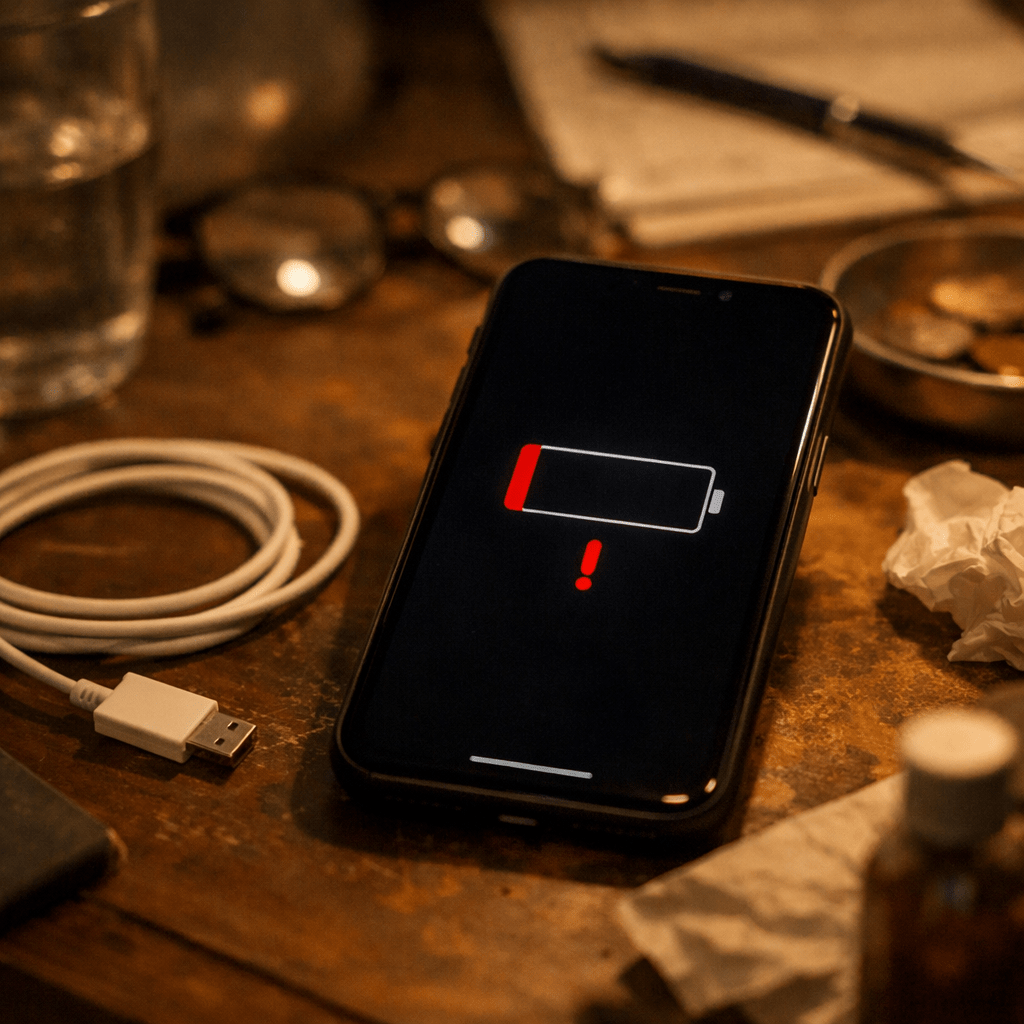
Most people don’t realise their phone isn’t dying because the battery is “old.”
It’s dying because a handful of apps are quietly bleeding it dry in the background.
This quietly costs people hours of screen time, extra charging cycles, and — over time — real money on replacement batteries and new phones they didn’t actually need yet.
If you’re not actively checking which apps are draining your battery, you’re probably charging more often than you should, carrying power banks, and wondering why your phone never lasts a full day anymore.
The worst part?
Many of the biggest battery killers aren’t the apps you’re using. They’re the ones running silently in the background, tracking, syncing, updating, and pinging servers every few minutes.
Fixing this takes less than 10 minutes — and it can easily add months (or years) to your phone’s usable life.
Why This Problem Costs People Money
Battery drain isn’t just annoying. It’s expensive.
Every extra charge cycle wears your battery down faster. As battery health drops, your phone slows, overheats, and dies quicker — pushing people into:
- £60–£120 battery replacements
- Early phone upgrades
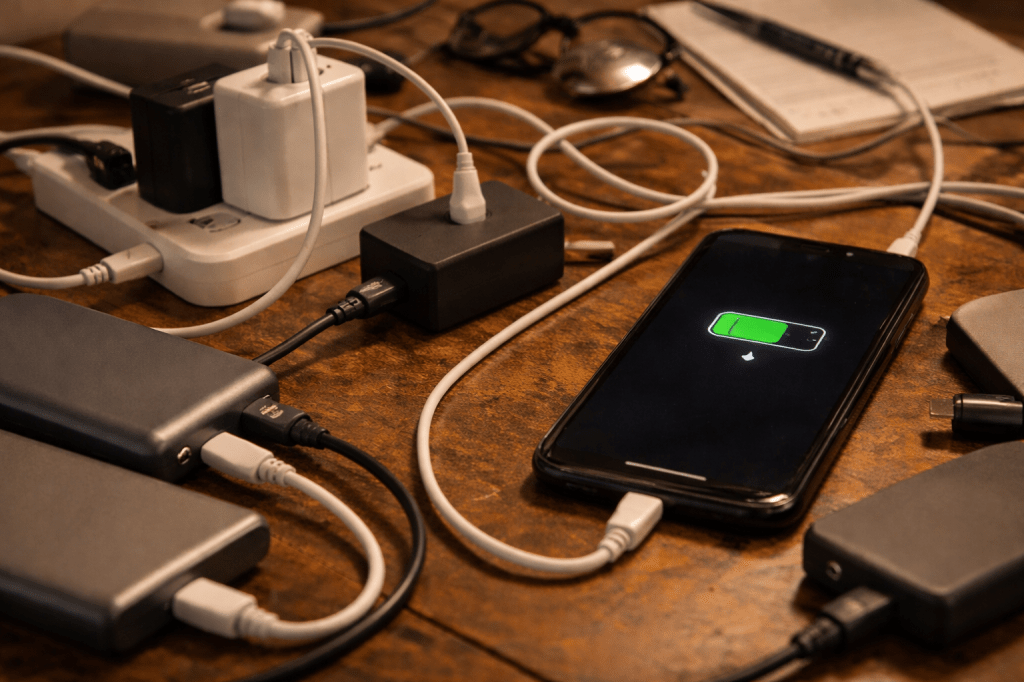
- Buying power banks and fast chargers
- Wasting time managing low battery anxiety
Most people ignore this until their phone feels “worn out.”
In reality, it’s often a few badly-behaved apps doing most of the damage.
Background drain = faster battery aging = higher ownership cost.
It’s a hidden tax on your phone.
The Fastest Ways to Fix It (Do These Now)
1. Check Battery Usage by App
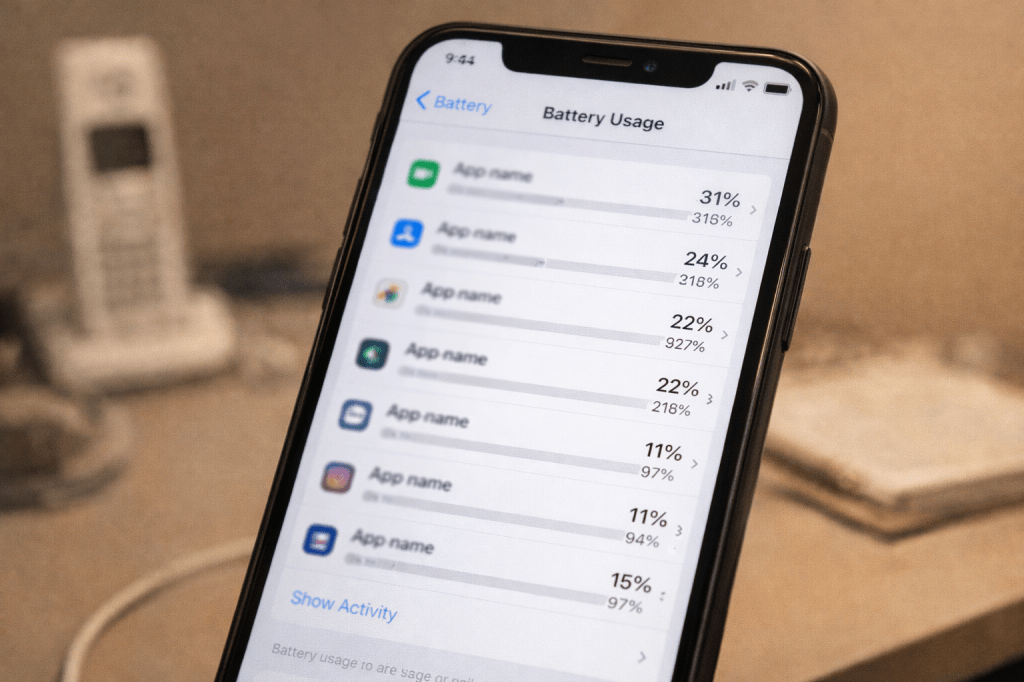
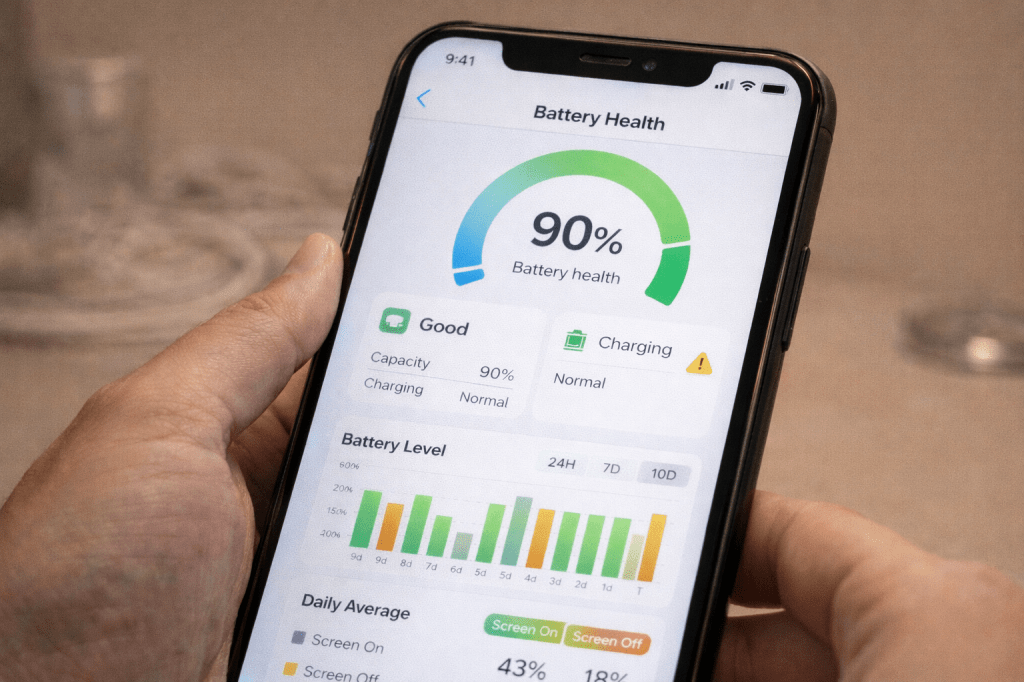
Go to your battery settings and sort by usage.
Look for:
- Apps using battery when you haven’t opened them
- Social, shopping, fitness, and news apps high on the list
- Anything using more than 5–10% in the background
These are your main suspects.
2. Delete Apps You “Might Use”
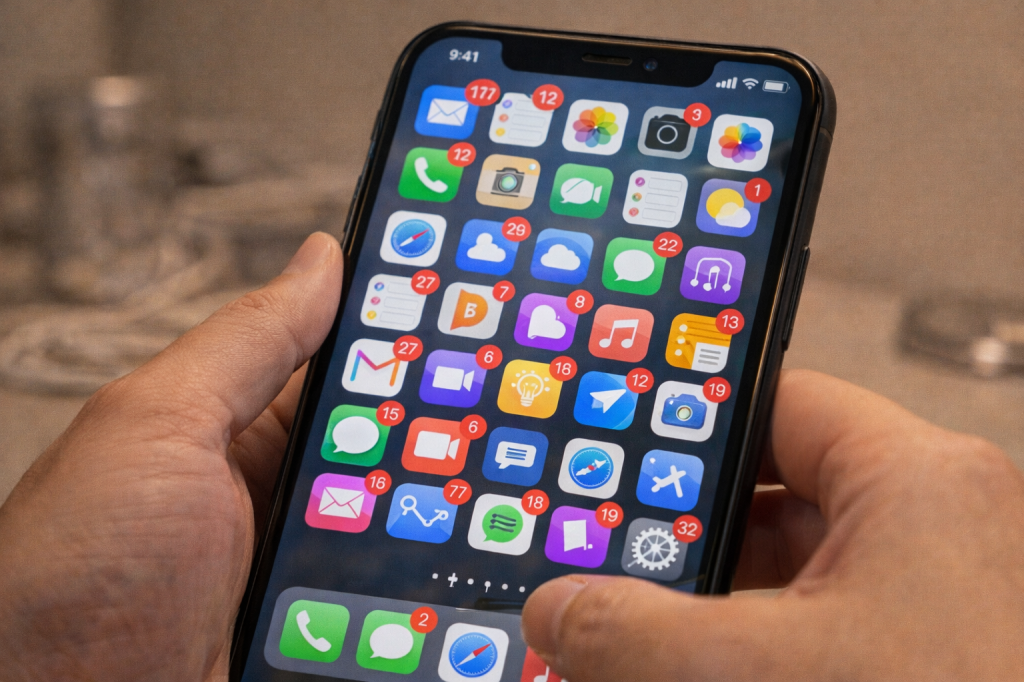
If you haven’t used it in 30 days, it’s costing you for nothing.
Old:
- Delivery apps
- Travel apps
- Retail apps
- Games
- Event apps
Delete first. Reinstall later if needed.
3. Restrict Background Activity
For heavy apps you want to keep:
Set them to:
- “Restricted” background usage
- Disable background refresh
- Limit location access to “While Using”
This alone can cut drain massively.
4. Turn Off Constant Location Tracking
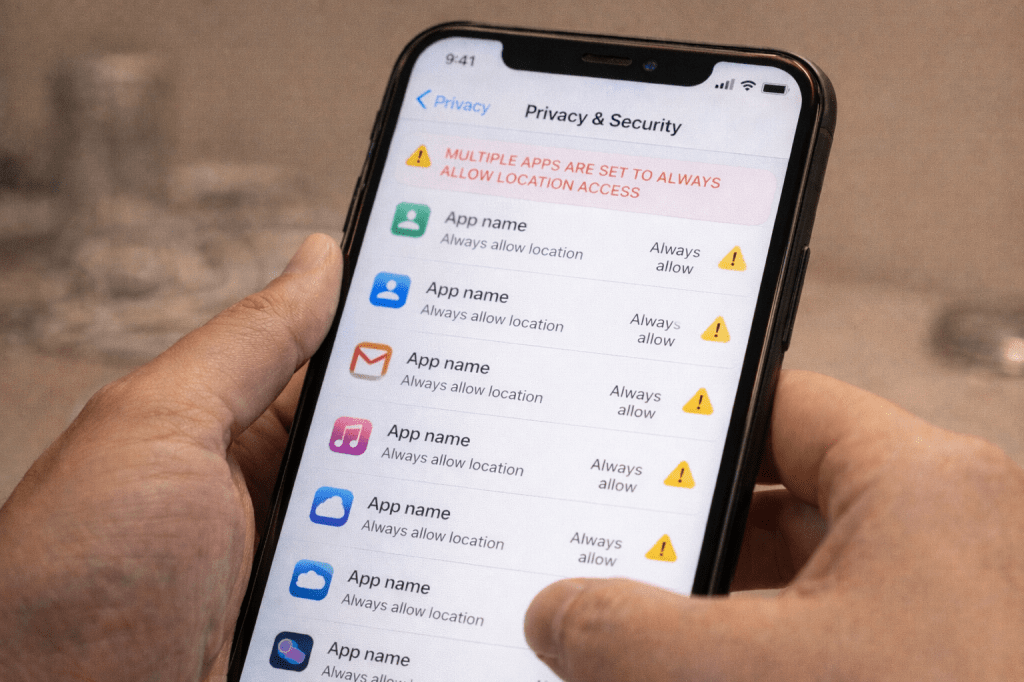
Location access is a silent battery killer.
Set most apps to:
- “While using the app”
Not: - “Always”
Weather, social, retail, and fitness apps are common offenders.
5. Kill Push Notifications You Don’t Need
Every push = wake-up + network + screen + CPU.
Disable notifications from:
- Retail
- News
- Games
- Loyalty apps
- Promo-heavy apps
Less noise. More battery.
6. Update or Replace Badly Optimised Apps
Some apps are just badly coded.
If one app is always high on battery:
- Update it
- If it still drains → replace it with an alternative
Bad apps can destroy battery life.
Common Mistakes That Make It Worse
- Blaming the battery instead of apps
- Keeping dozens of “just in case” apps
- Allowing always-on location
- Leaving background refresh on for everything
- Ignoring battery usage stats
- Using task killer apps (they often make it worse)
Most people try to “fix” battery life with chargers and power banks — instead of stopping the drain at the source.
Tools, Products, or Services That Can Help
If you want faster results or less guesswork, these are practical shortcuts:
Battery Monitoring Apps
These show real-time drain and hidden background usage so you can spot problem apps instantly.
They save time and help you catch issues before your battery health drops.
Phone Cleaning & Optimisation Apps
Some reputable tools can:
- Identify background hogs
- Flag abnormal drain
- Suggest restrictions
- Clear junk processes safely
Not magic — but useful for non-technical users.
Battery Replacement Services
If your battery health is already low, replacing it is often cheaper than upgrading your phone.
Price compare before buying a new device — many people waste hundreds by skipping this.
Power Banks & Fast Chargers (As Backup)
Good as insurance — but not a fix.
If you need one, buy a quality one once — not cheap ones that die quickly.
How to Stop This From Becoming Expensive Later
This is how you avoid future battery bills:
- Audit apps monthly
- Remove unused apps regularly
- Limit background access by default
- Be aggressive with location permissions
- Watch battery stats after installing new apps
- Replace batteries instead of upgrading phones early
Small habits now = fewer forced upgrades later.
That’s real money saved.
Quick Checklist (Screenshot This)
- Check battery usage by app
- Delete unused apps
- Restrict background activity
- Set location to “While using”
- Turn off unnecessary notifications
- Watch for repeat battery hogs
- Compare battery replacement before upgrading
- Audit apps once per month
FAQs
Does this really make a difference?
Yes. Many people regain 20–40% daily battery life just by removing or restricting a few bad apps.
How often should I check this?
Once a month — and after installing new apps.
Is it worth paying for help or tools?
If you’re not confident, monitoring apps and battery tools can save time and prevent expensive mistakes.
What happens if I ignore it?
Your battery health drops faster, your phone feels “old” sooner, and you’re more likely to replace it early — even if the phone itself is fine.
Should I just buy a new phone?
Not until you’ve cleaned up apps and checked battery health. Many people upgrade when a £70 battery replacement would fix it.
Do task killer apps help?
Usually no. Many actually increase drain by forcing apps to restart repeatedly.
Bottom Line
Your battery probably isn’t the real problem.
Your apps are.
Remove the worst offenders, restrict the rest, and you’ll get longer battery life, fewer charges, and a phone that lasts months — or years — longer.
That’s less frustration.
Less wasted money.
And one less forced upgrade you didn’t actually need.
 Modern Fixes
Leave a comment