
Introduction
Most people don’t realise this, but slow internet is often not caused by their provider. It’s usually caused by simple issues inside the home that quietly reduce the speed you’re actually getting.
This costs people hours every month in buffering, slow downloads, failed video calls, and constant connection drops. Many households are paying for fast internet packages but only receiving a fraction of the performance because of setup problems, outdated equipment, or poor signal placement.
If you haven’t checked a few basic things recently, there’s a good chance you’re paying for speeds you’re not fully using. The result is frustration, wasted time, and sometimes even unnecessary plan upgrades.
The good news is that most speed problems can be improved in minutes, without changing your internet plan or paying more.

Why This Problem Costs People Money
Slow internet doesn’t just feel annoying. It quietly wastes money.
People often respond to poor speeds by upgrading to a more expensive package, assuming their provider is the issue. In reality, the extra speed they pay for still gets blocked by weak Wi-Fi, old routers, bad cable placement, or overloaded networks.
This leads to:
- Paying for higher speeds you never fully receive
- Replacing devices that aren’t actually broken
- Wasting time waiting for downloads, uploads, and pages to load
- Losing productivity when working or studying from home
Over time, these small issues add up to real costs in both money and time.
The Fastest Ways to Fix It
1. Restart Your Router and Modem
This clears temporary errors and resets your connection. Many speed issues are caused by memory build-up or background errors inside network hardware.
Unplug both devices for 30–60 seconds, then plug them back in.
2. Move Your Router to a Better Location
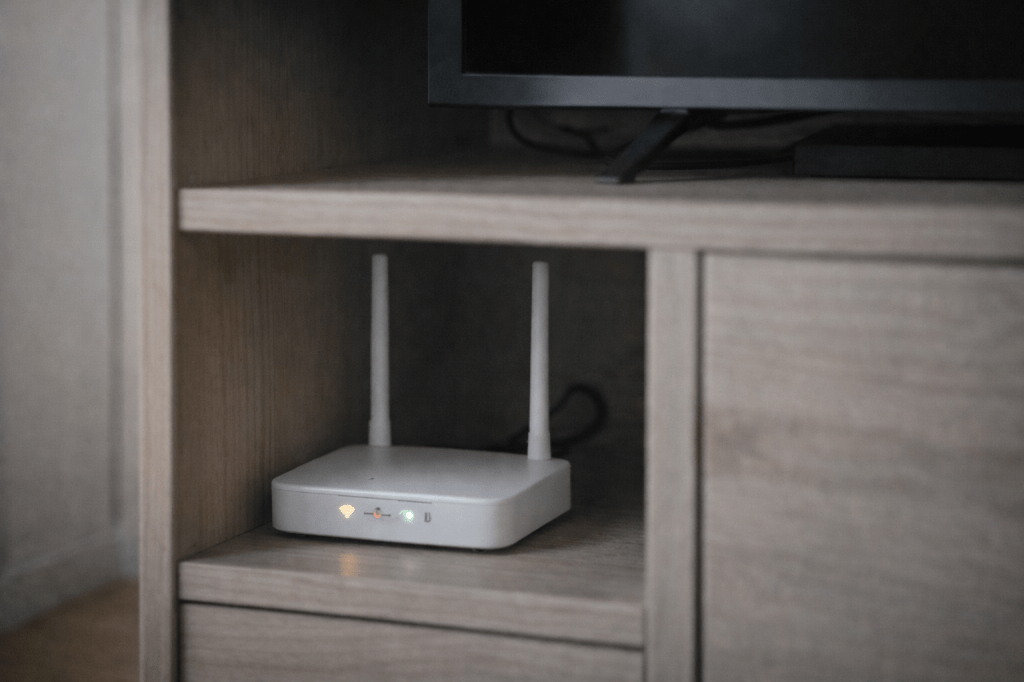
Routers work best when placed:
- In the centre of your home
- Elevated on a shelf or table
- Away from thick walls and metal objects
A router hidden in a cupboard or corner can lose a large portion of its usable signal.
3. Run a Proper Speed Test
Use a speed test on a wired device if possible. This shows whether the issue is your internet connection or your Wi-Fi signal.
If wired speeds are fast but Wi-Fi is slow, the problem is inside your home — not your provider.

4. Change Your Wi-Fi Channel
In busy areas, neighbouring networks can interfere with yours. Changing your Wi-Fi channel in your router settings can reduce interference and improve speeds instantly.
5. Upgrade an Old Router
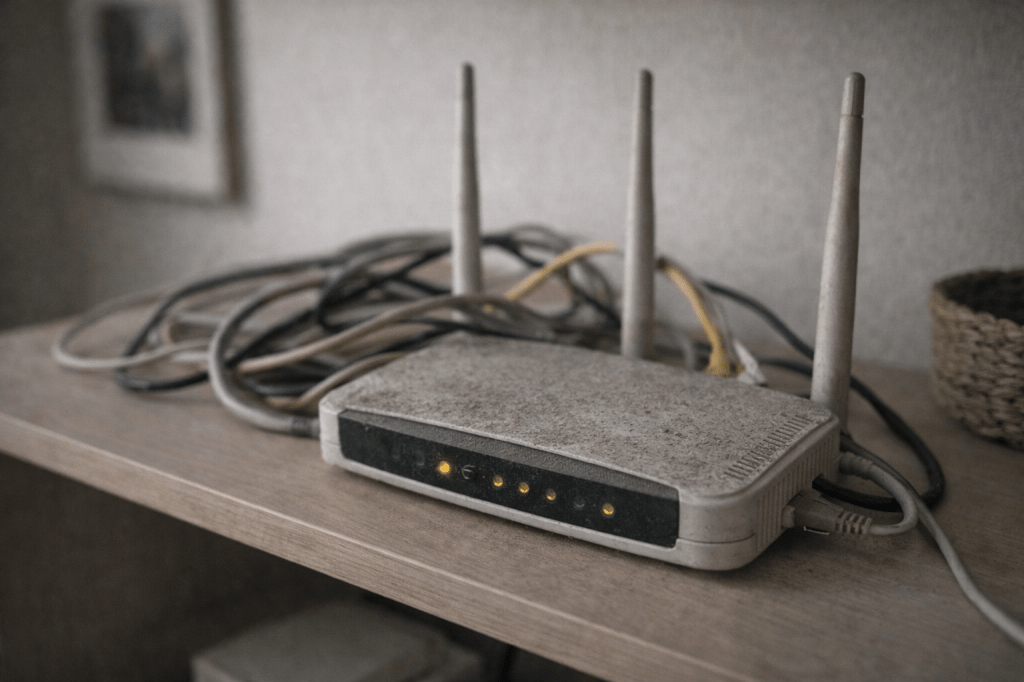
If your router is more than 4–5 years old, it may not handle modern speeds properly. Newer routers can dramatically improve performance even on the same internet plan.
6. Use Ethernet for Key Devices
For work computers, gaming systems, and smart TVs, a wired connection is often much faster and more stable than Wi-Fi.
Common Mistakes That Make It Worse
Many people unknowingly make their internet slower by:
- Hiding routers in cupboards or behind TVs
- Using outdated routers that can’t handle modern speeds
- Connecting too many devices to weak networks
- Ignoring software and firmware updates
- Using cheap extension cables that reduce signal quality
These small mistakes can reduce usable speed by a huge margin.
Tools, Products, or Services That Can Help
Some simple upgrades and services can save time and prevent ongoing speed problems:
- Modern Wi-Fi routers for better range and speed
- Mesh Wi-Fi systems for large homes or thick walls
- Ethernet cables for key devices
- Wi-Fi analyser apps to find less crowded channels
- Broadband comparison tools to check if you’re overpaying
These options are often cheaper than upgrading your internet package and usually deliver better real-world results.
How to Stop This From Becoming Expensive Later
Preventative steps now can avoid wasted money later.
Replace ageing network equipment before it becomes a bottleneck. Review your plan yearly to make sure you’re not paying for speeds your setup can’t use. Keep routers updated and positioned correctly to maintain consistent performance.
Doing this early avoids unnecessary upgrades, call-outs, and frustration.
Quick Checklist

- Restart router and modem
- Move router to a central, open location
- Run a wired speed test
- Change Wi-Fi channel if needed
- Update router firmware
- Replace very old routers
- Use Ethernet for important devices
- Check you’re not overpaying for unused speeds
FAQs

Does this really make a difference?
Yes. Many homes see noticeable improvements just by moving their router or upgrading old hardware.
How often should I check this?
At least once a year, or whenever speeds start to feel slower.
Is it worth paying for help?
In large or complex homes, professional setup or mesh systems can save time and prevent ongoing issues.
What happens if I ignore it?
You’ll likely keep paying for speeds you’re not getting and may waste money upgrading plans unnecessarily.
Should I always upgrade my internet plan?
Only after you’ve fixed setup and equipment issues. Many speed problems are not caused by the plan itself.
 Modern Fixes
Leave a comment